Published
What the paper ticket does today
A claim ticket does a few jobs at once:
- It gives the order a number.
- It gives the customer a stub and keeps a copy for the shop.
- Its number goes on a tag on each garment.
What it can't do is tell the customer when the order is ready, so they call to ask, or you call them.
Moving off paper means each of those jobs needs a new home. Most of them move into Hangr. The tag stays where it is.
What Hangr does instead
The ticket number
Take the order on a tablet or computer: tap each garment from your own price list, mark a stain or a rush, and create the ticket. Hangr gives it the next number.
The customer's stub
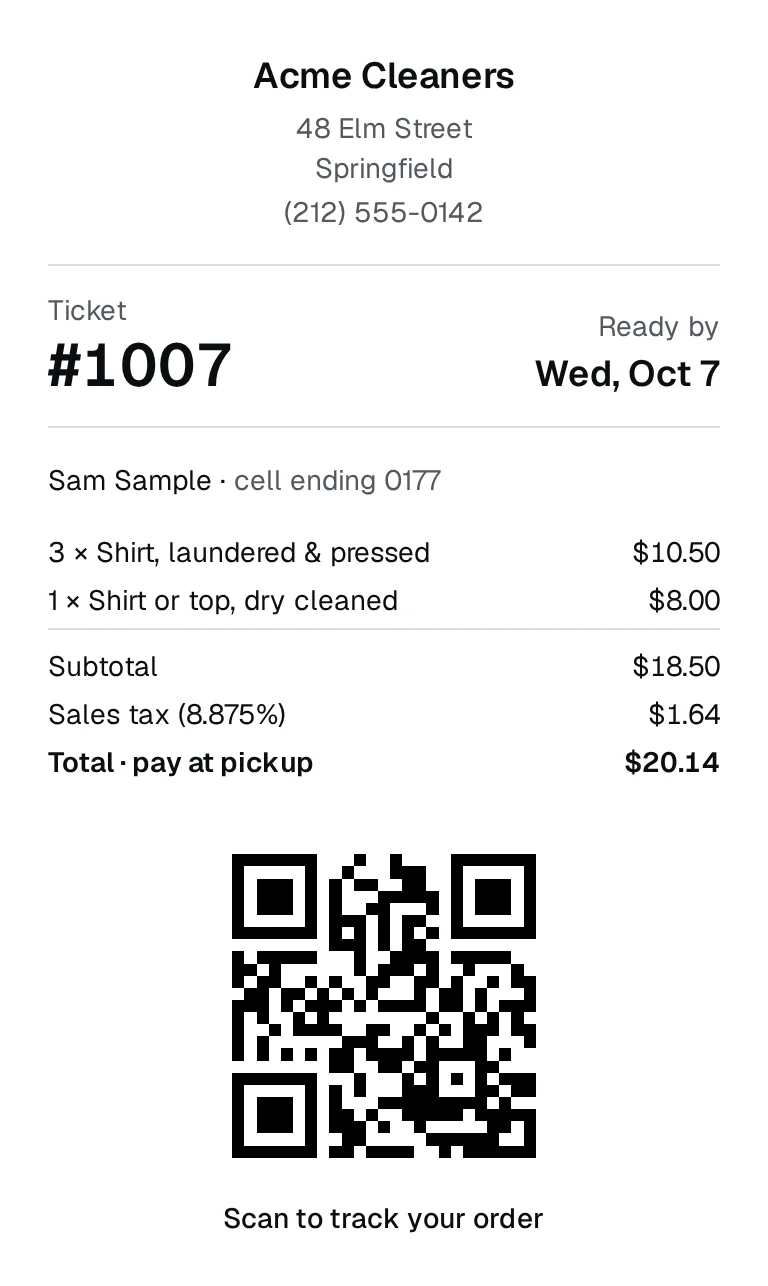
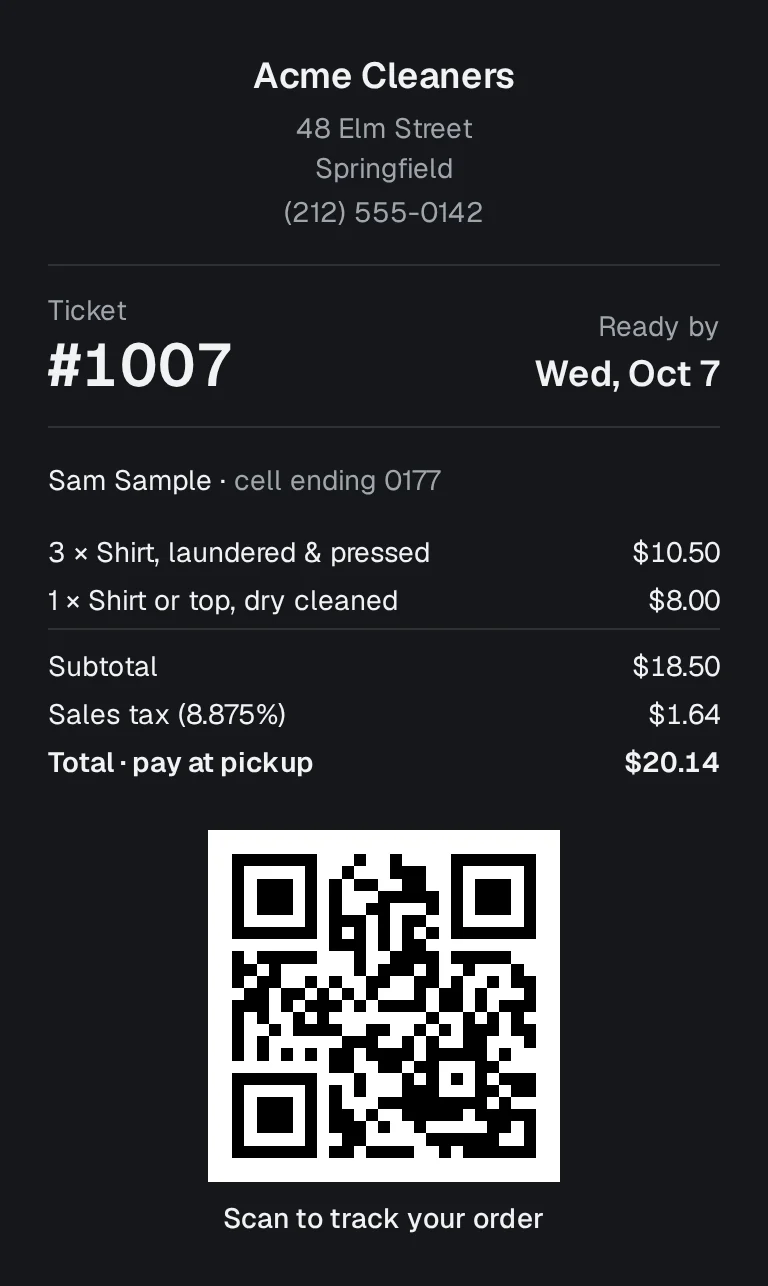
The customer gets a printed receipt with your shop's name, the ticket number, the ready-by date, the items, the total and a QR code. Scanning the code opens their order in the phone's browser, with no app and no login.
The shop's copy
Your copy is the ticket in Hangr. You find it by its number, the customer's cell or their name, even when the customer has lost their receipt, and you can print the receipt again.
The call to say it's ready
Tap Mark ready and the customer's order page changes to Ready for pickup by itself. If they gave an email at the counter, they get an email when you take the order and another when it's ready. Texts are rolling out and are not live yet for any shop.
The stack of tickets by the register
Today puts what's late, what's due and what's ready for pickup at the top, with the money still owed on each, and sorts every other order by what it needs next.
Pickup
Hand over shows what the customer owes, with sales tax and any discount worked in. You record cash, card or other, and an order that isn't paid in full can't be handed over.
What you keep
Your tag gun
Hangr doesn't print garment tags yet. Write the ticket number from the receipt on your tag, the way you write the paper ticket's number today.
Your card machine
Hangr records how each order was paid. It doesn't process payments, so customers pay you the way they do now.
Your prices
You start with a typical price list for your trade. Change any price, rename an item, put the ones you use most first, or add your own.
What you need at the counter
- A tablet or a computer with a web browser and an internet connection.
- A standard 80 mm receipt printer that the tablet or computer can print to.
- Your tag gun and tags, as now.
How to make the switch
- Set up your shop: what it does, then its name, time zone, opening hours and sales tax.
- Look over the price list you start with and change what's different at your shop.
- At drop-off, ask for the customer's cell, so you can find their order without the receipt, and their email if they'd like a message when it's ready.
- Take a first order for yourself, print the receipt and scan its code with your own phone.
- Add your staff, so each person signs in as themselves.
- Start with new orders. Hangr doesn't import paper tickets, so orders already on paper finish on paper.
What Hangr doesn't do yet
Texts to customers are rolling out and are not live yet, so today the ready message is an email.