A ticket for every sole. Shoe repair software, from drop-off to pickup
Hangr is the POS for your shoe repair counter, in place of the claim check. Tap in heels, soles and shines from your own price list, photograph each pair as it came in, and hand over a receipt your customer scans to see when the work is done.
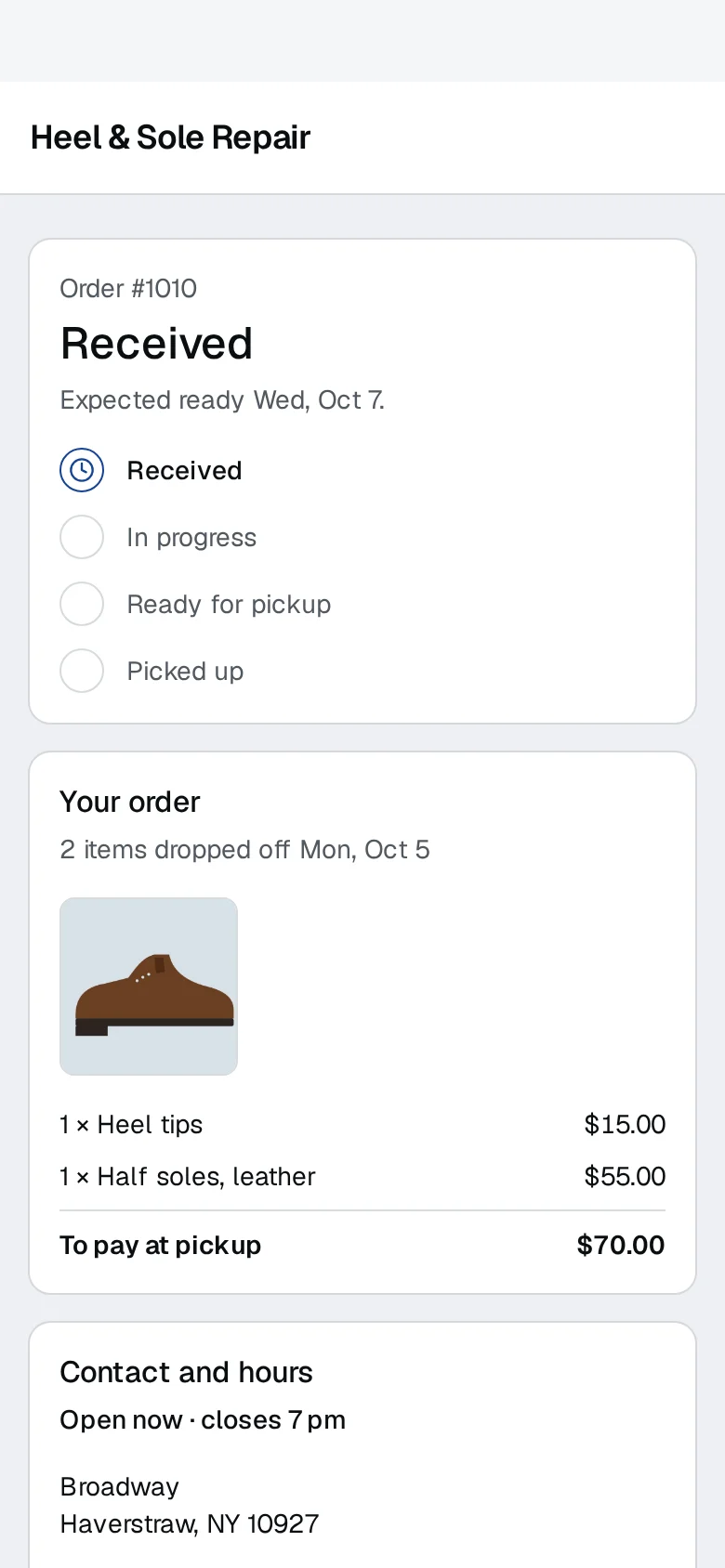
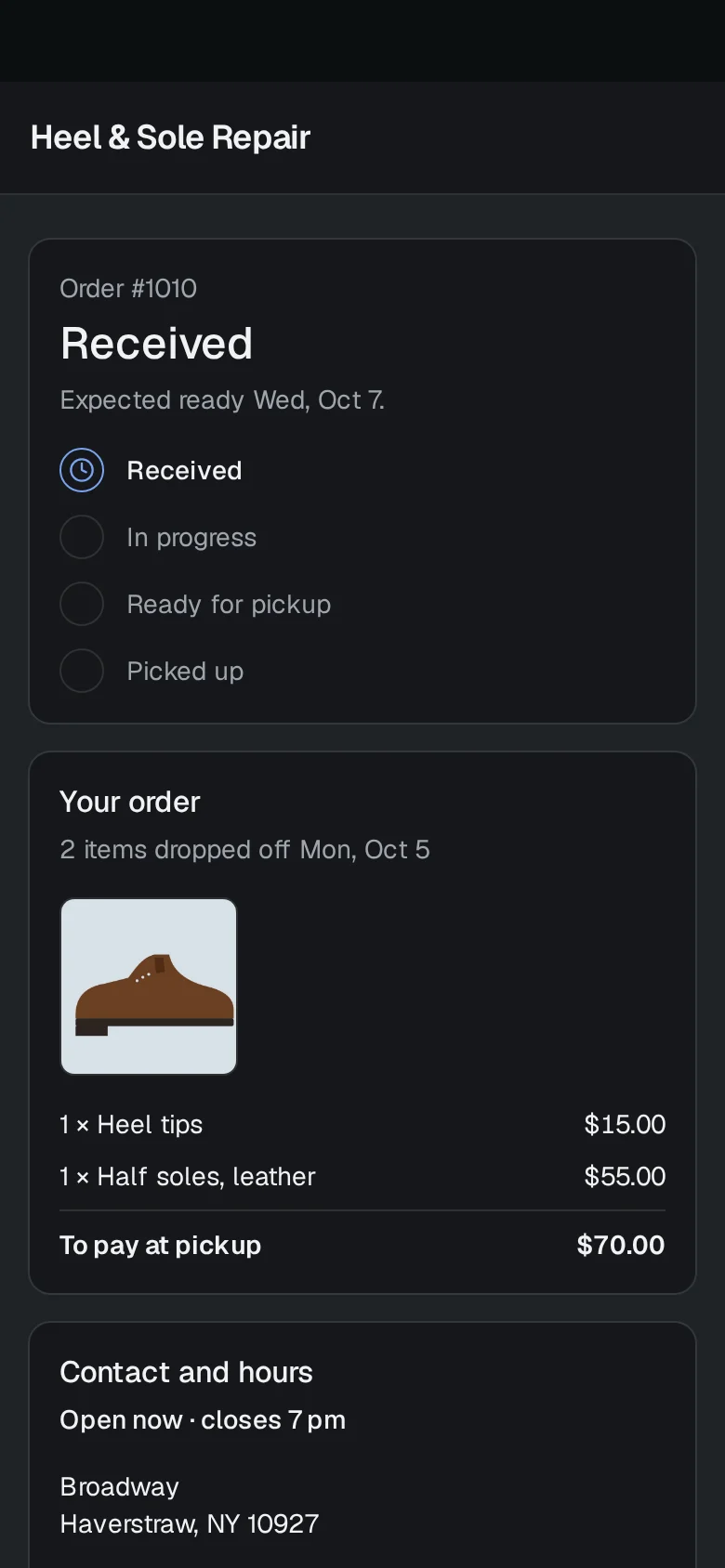
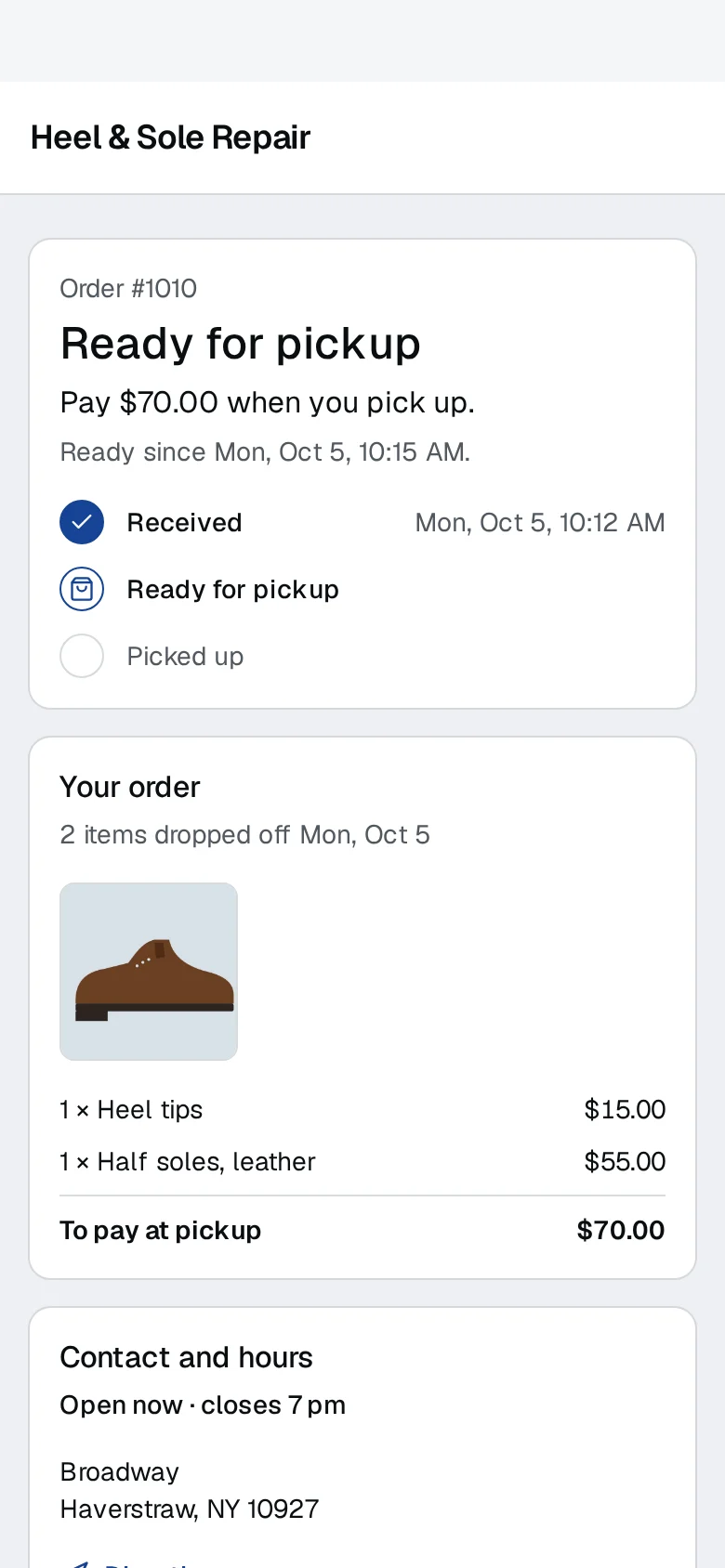
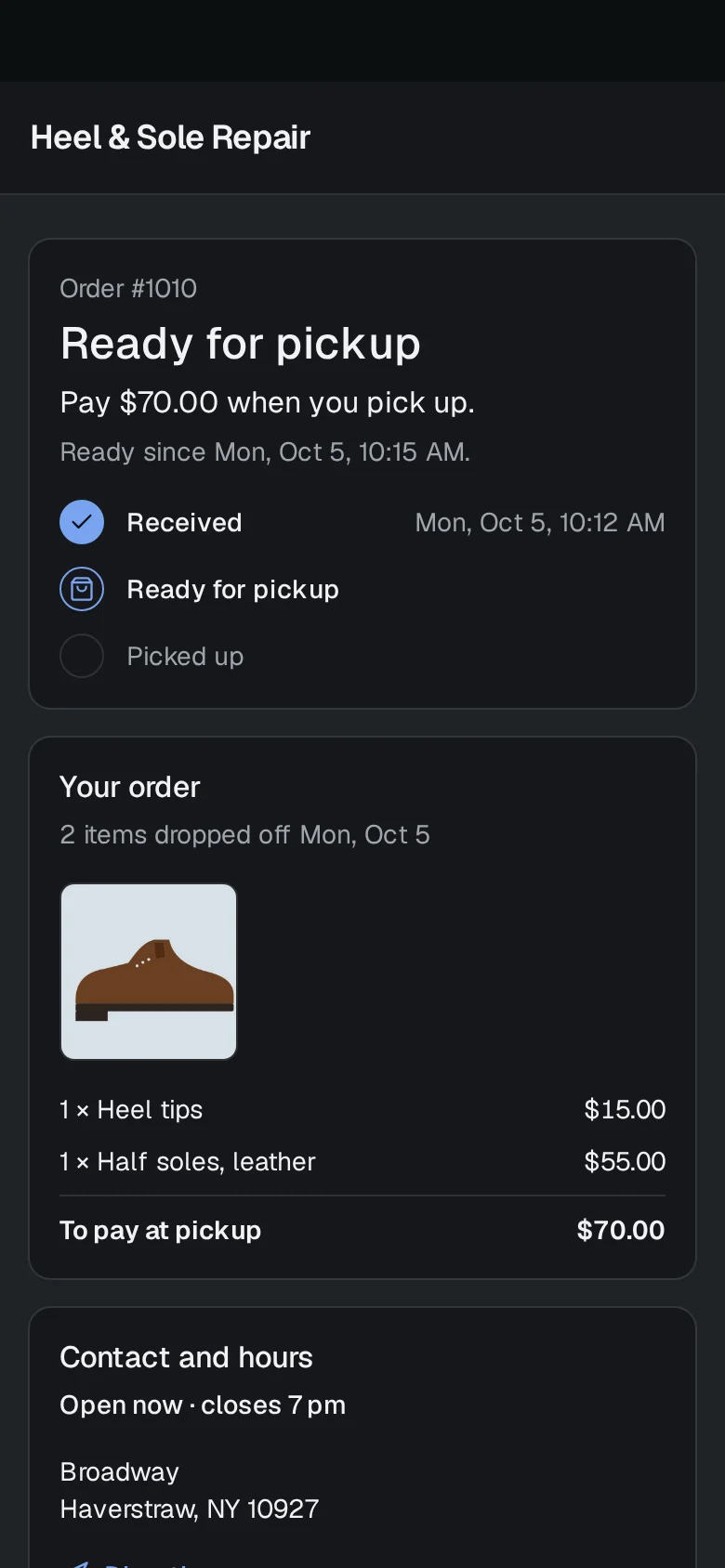

On the customer's phone: Received, then their shoes are ready for pickup, and the Ready email is in their inbox if they gave an address.
A day at the repair counter
Tap in the repairs
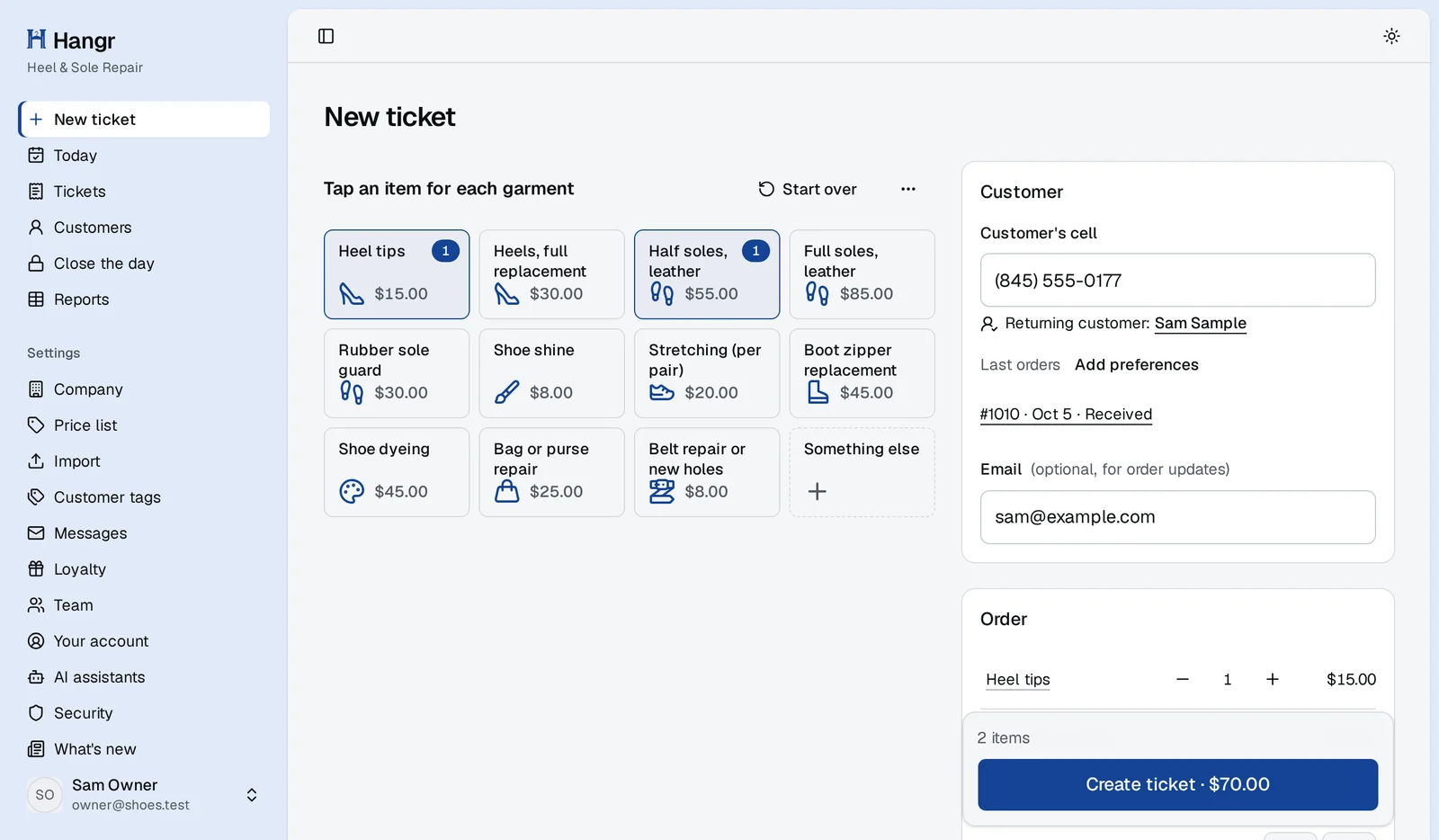
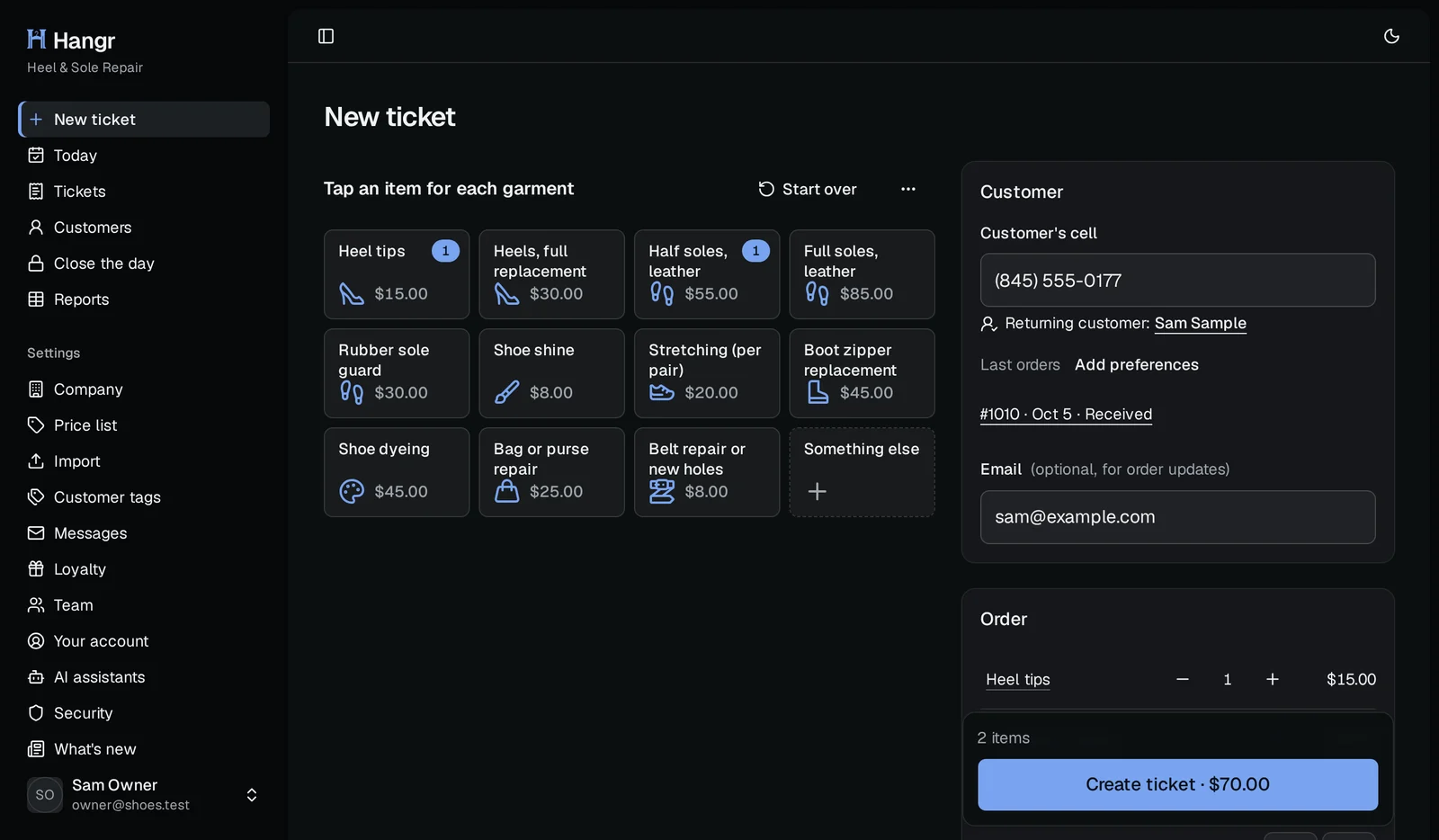
Heels, half soles, a shine, a stretch: every job on your price list is a tile at your price. Two pairs, two taps, and the ready-by date fills in from your usual turnaround, counted in the days you're open.
On screen: New order
Photograph the pair as it came in
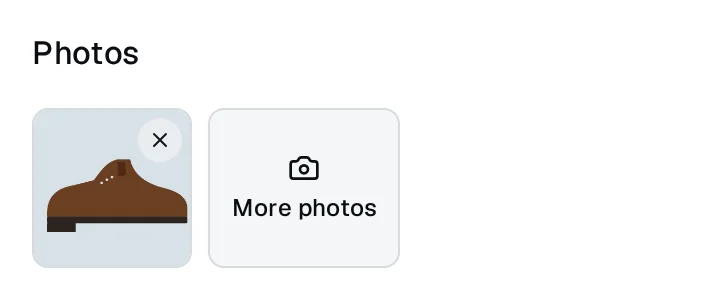
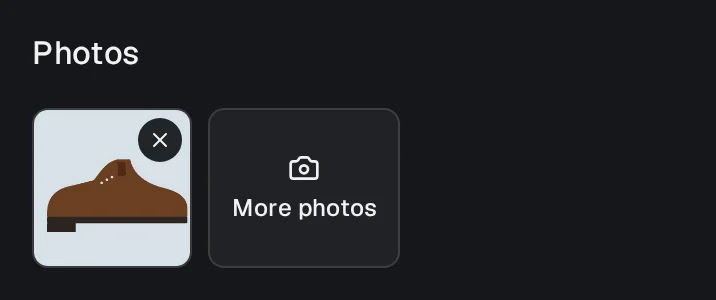
Scuffs, a split sole, a worn heel: take a photo at drop-off and it stays on the ticket, so whoever does the work and whoever hands the pair back sees how it came in.
On screen: The ticket's photos
Quote the bigger jobs first
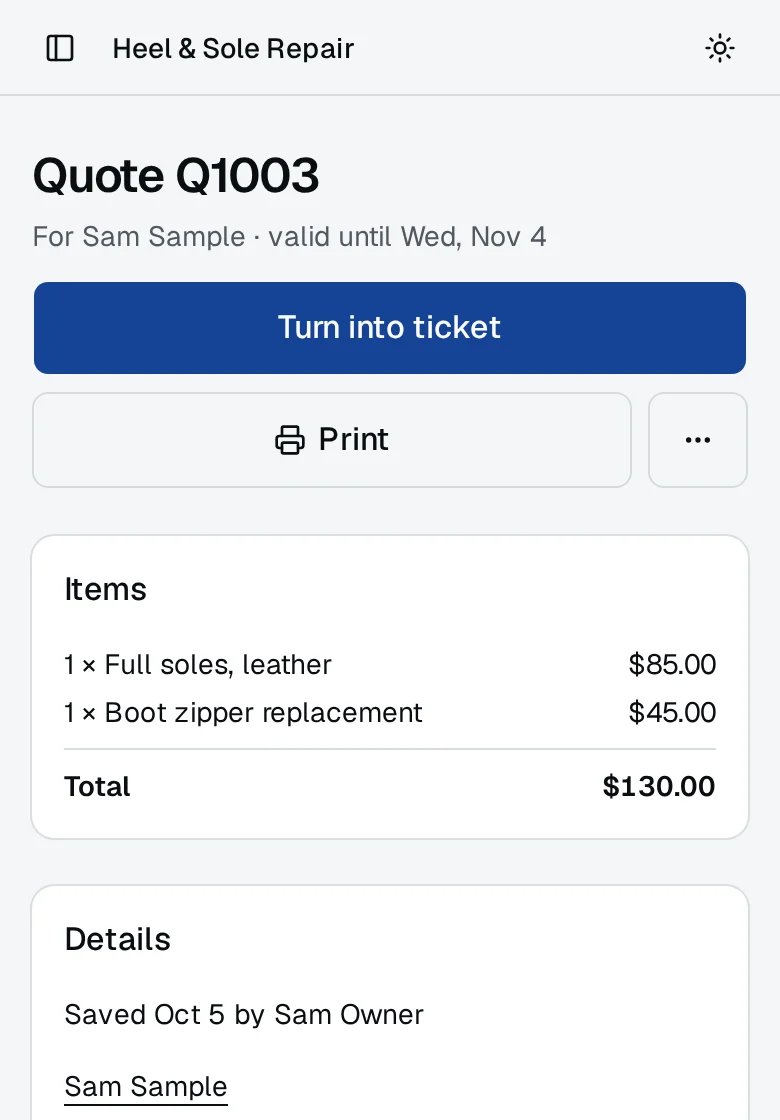
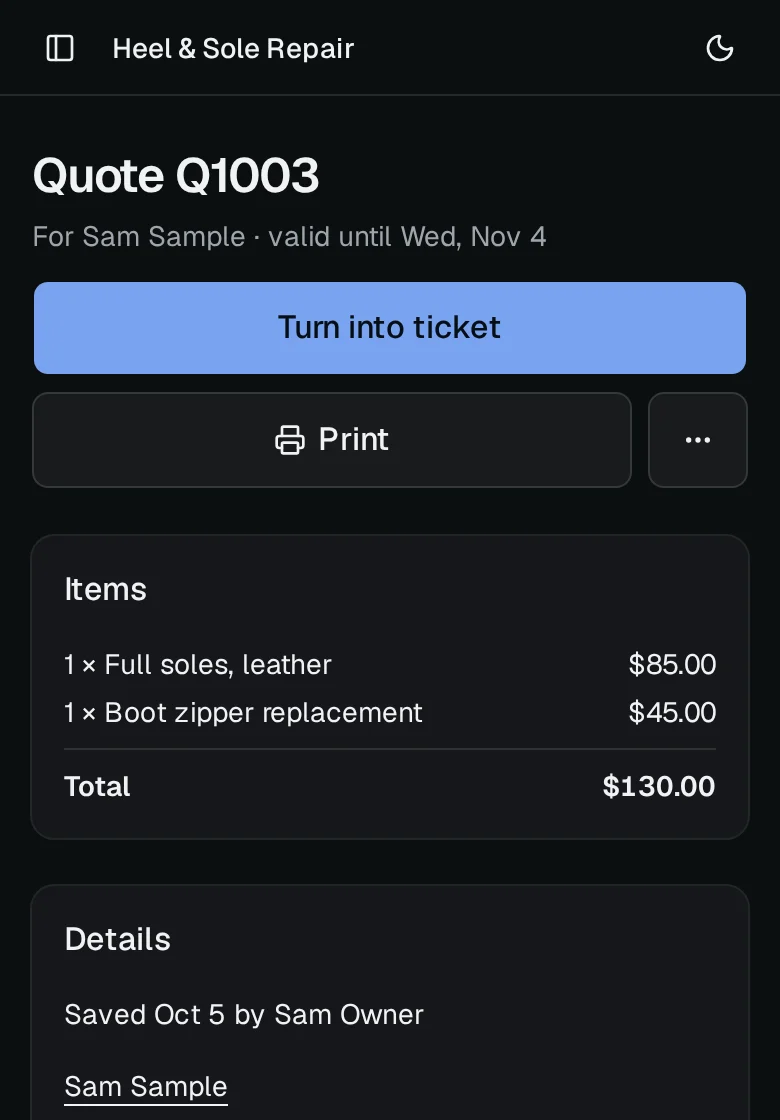
Not sure the sole can be saved? Save a quote with the work and the price on the customer, print it for them, and turn it into an order when they say yes.
On screen: Quote
They hear when the pair is ready
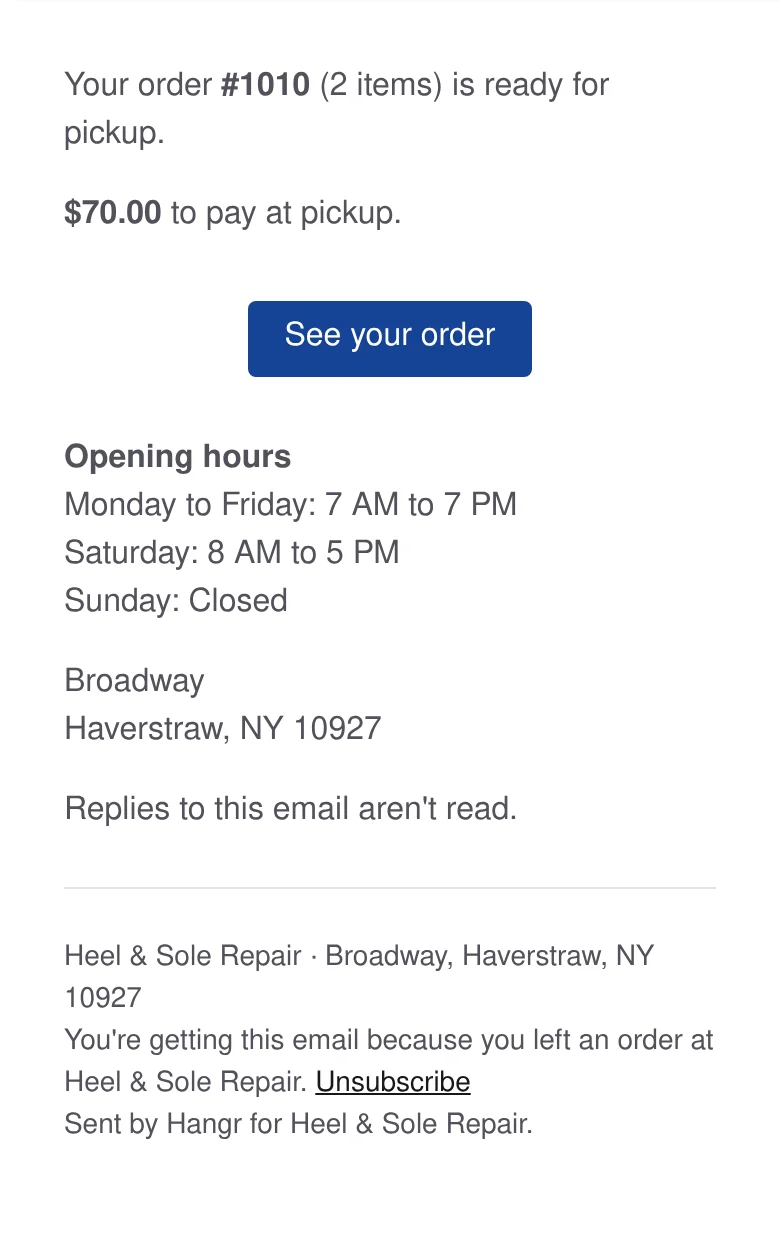
Mark the order ready and, if your customer gave an email at the counter, Hangr emails them the link to their order page with what's left to pay. Their page turns Ready by itself too.
Texts about a pair being ready are rolling out and are not live yet.
On screen: Mark ready, then the customer's Ready email
Your shoe repair price list, ready on day one
Choose Shoe repair when you set up your shop and you start with this list. Starter prices at typical US rates: change any of them, rename a job, or add the ones you do.
Shoe repair
- Heel tips$15.00
- Heels, full replacement$30.00
- Half soles, leather$55.00
- Full soles, leather$85.00
- Rubber sole guard$30.00
- Shoe shine$8.00
- Stretching (per pair)$20.00
- Boot zipper replacement$45.00
- Shoe dyeing$45.00
- Bag or purse repair$25.00
- Belt repair or new holes$8.00
More for shoe repair
Unclaimed-order reminders
Pairs left behind for months: see them on Today and remind the customer by email.
Garment tags and scanning
A barcode tag on each pair, scanned to bring up its ticket at pickup.
Customer profiles
A regular's usual repairs, notes and every pair they've brought in, on one page.
End-of-day close and reports
Count the drawer at closing and see which repairs sold best this month.
Coming soon
- Condition at drop-offThe drop-off photos customers already see, labelled as the condition the item came in.
The rest of the counter
Front counter
Take each order in a few taps from your own price list, priced and dated before the customer leaves.
- Orders with price tiles and care flags
- A typical price list for your trade to start from
- One-tap upcharges such as Leather or Beaded
- Items that aren't on the price list
- Quotes that turn into orders
- Photos of each item at drop-off
- Receipts with a QR code
Money
Every payment recorded at pickup, with the sales tax, the discounts and a reason for every change.
- Payments recorded at pickup: cash, card or other
- Sales tax worked out on every ticket
- Discounts with a reason
- Refunds and voids with a reason
- Store credit with a reason
- End-of-day close
- Accounting export for your bookkeeper
Customers
Know who's at the counter: their orders, their notes and what they owe, and a page where they follow their own order.
- A page for each customer
- Customer tags
- Each customer's timeline
- Each customer's visits and spend at a glance
- Follow-up notes on Today
- The customer's order page, no app or login
- Emails when an order is taken and ready
- Reminders for orders left at the shop
Back room
See what's late, what's due and what's ready, and find any order by its number, the customer's cell or their name.
- The daily board of late, due and ready orders
- What the ready orders are worth
- Barcode tags and labels
- Scan to find an order and mark it ready
Team and control
A sign-in for each person on your team, and the numbers for the owner.
- Two-step sign-in
- Sales reports by item, staff and payment method
- The owner's morning email
- Connect your own AI assistant, read only
What it doesn't do yet
Hangr doesn't keep a stock of soles, heels and polish, or take repairs sent in by mail. Keep your supplies list as you do today. Printing from a tablet is not live yet, so print receipts and quotes from a computer for now.
Also for
Dry cleaners
Dry cleaning POS software for the whole counter: a tile for every shirt, suit and dress on your price list, garment photos at drop-off, care flags for stains and rush jobs, a ready-by date counted in open days, and order tracking your customers can check themselves.
Tailors and alteration shops
Tailor shop software without the clipboard: put hems, take-ins and repairs on your own price list, write fitting notes on the ticket, take a deposit, and email customers the link to their order page when the alterations are ready (texts rolling out, not live yet).
Laundromats and wash and fold
Laundry POS for your drop-off counter: wash and fold by the pound, comforters and bedding by the piece, a QR code receipt for every bag, and an email when it's ready. It doesn't run your machines.