Garment tags that scan
Print a tag for each garment or bag with the ticket number and a barcode. Scan it to bring up the order, or scan a rack of finished orders to mark them ready in one go.
Tag it, scan it
A tag with every ticket
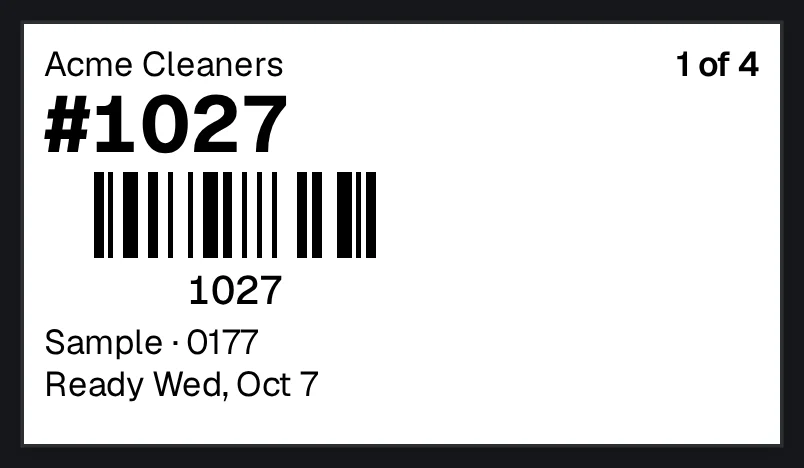
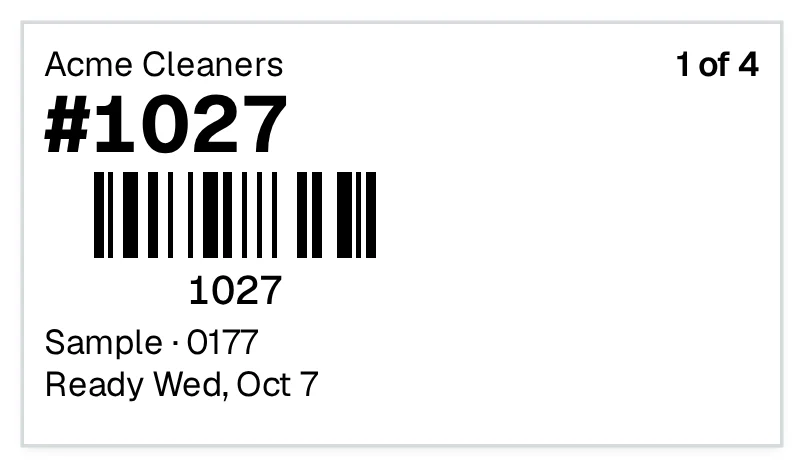
One per piece, or just one, with the shop's name, the ticket number, a barcode and the ready date. Pick a tag, a 29 mm roll or an 80 mm receipt, and print from the browser's print dialog.
On screen: Ticket → Print labels
Scan to find the order
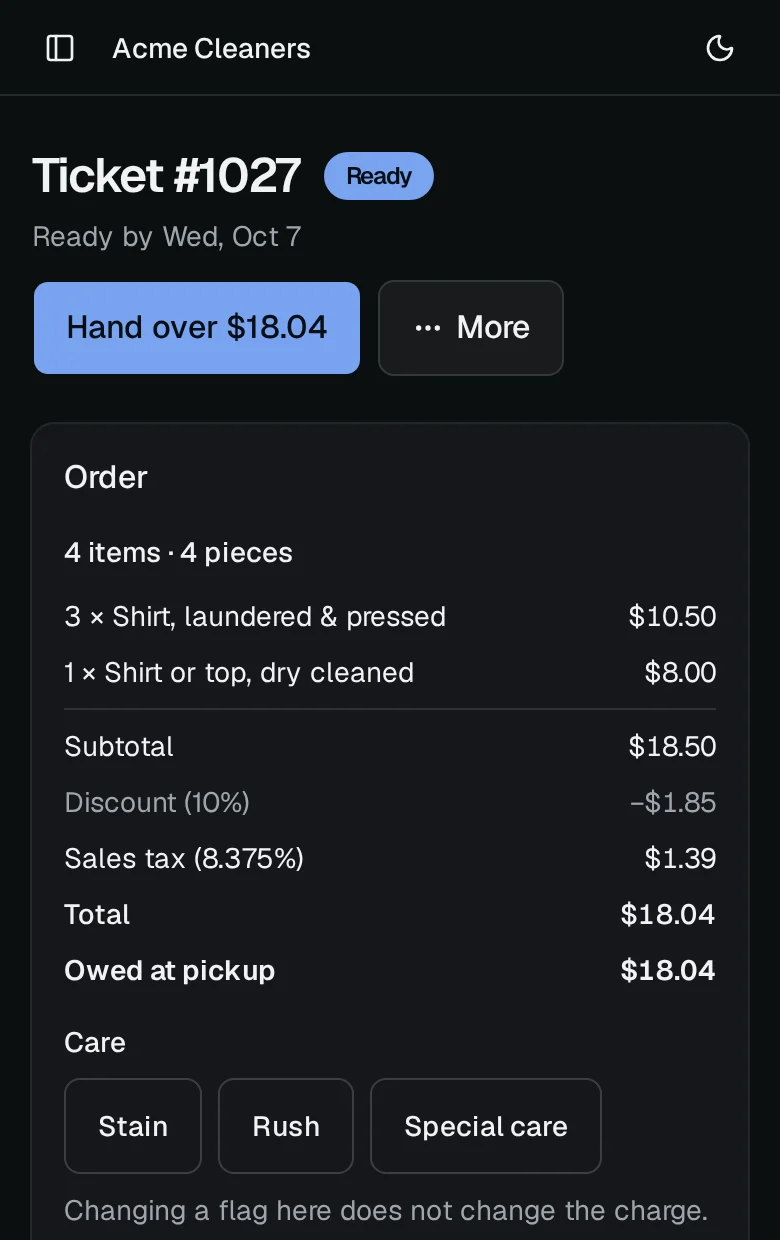
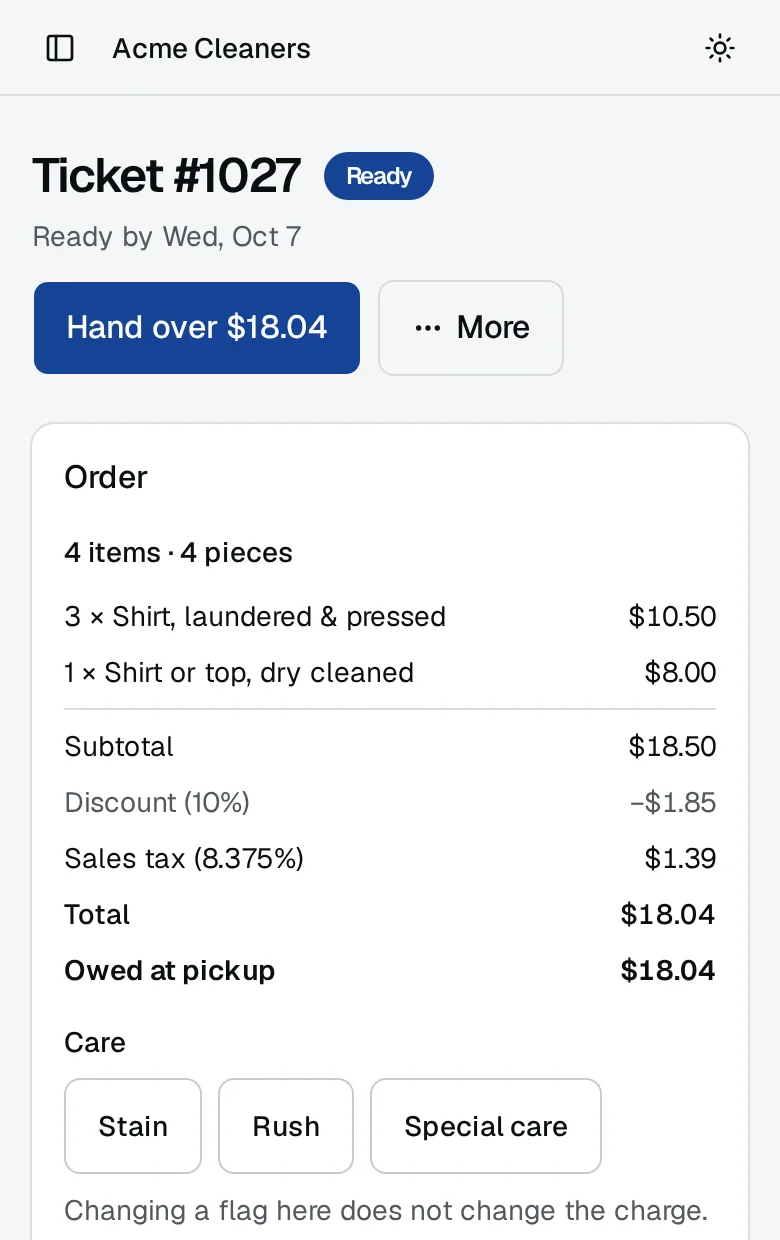
On Today or Tickets, scan a tag with a barcode scanner and that order opens, with its items, what's owed and the buttons to mark it ready or hand it over.
On screen: The ticket a scan opens
Mark a rack ready
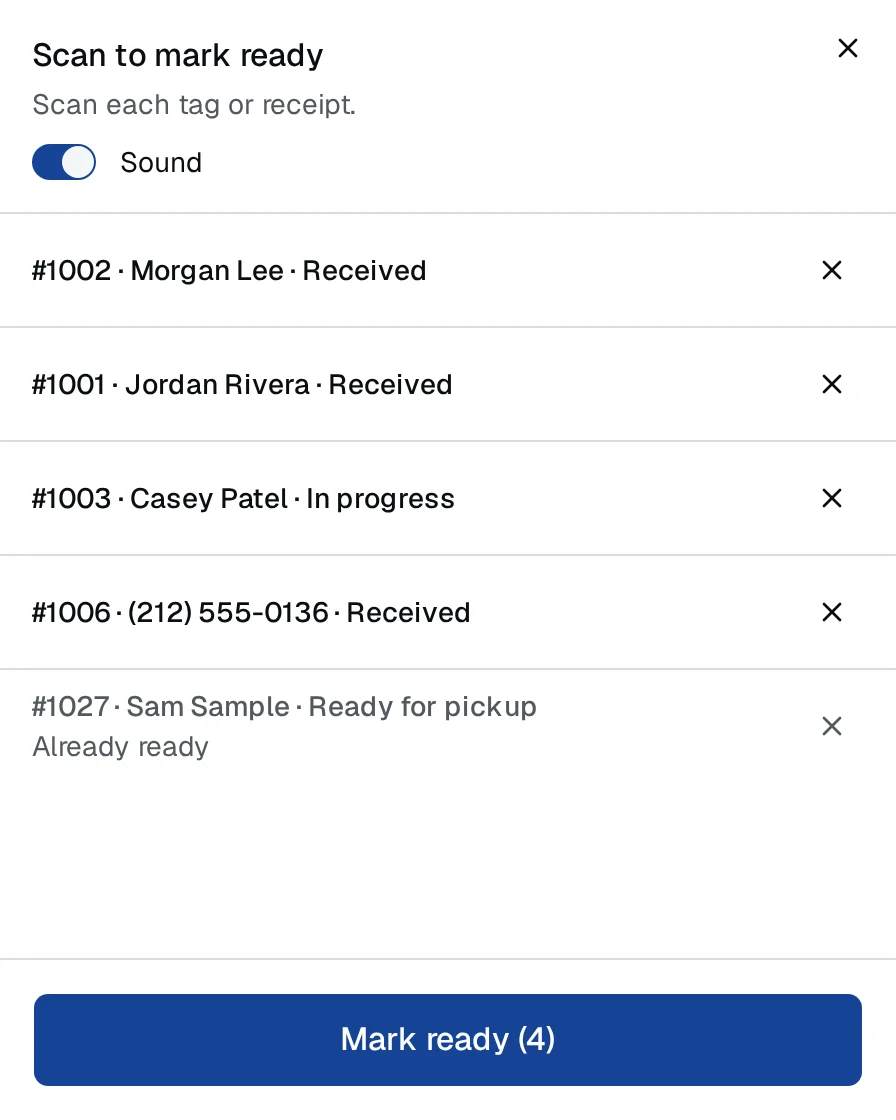
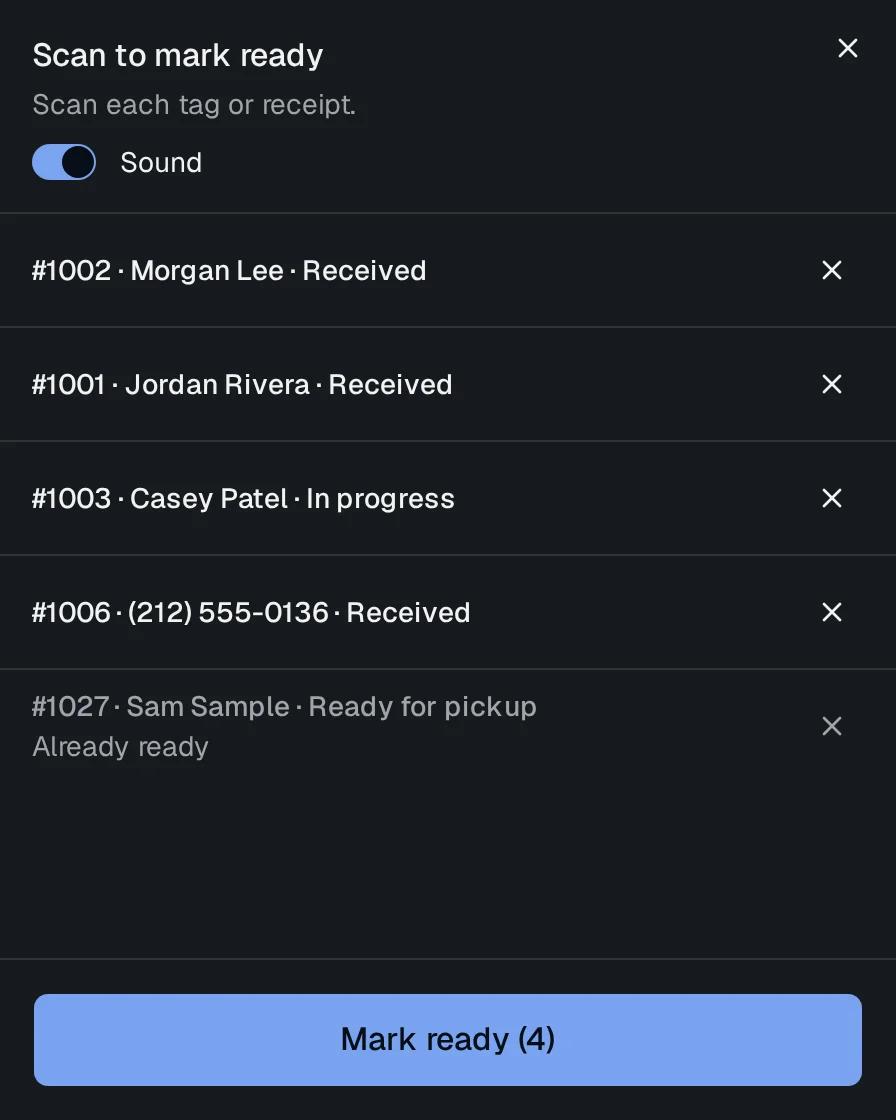
Scan each finished order as it comes off the line, then mark them all ready at once. A short tone answers every scan, and an order that's already ready says so.
On screen: Today → Scan to mark ready